Driving playground Coming
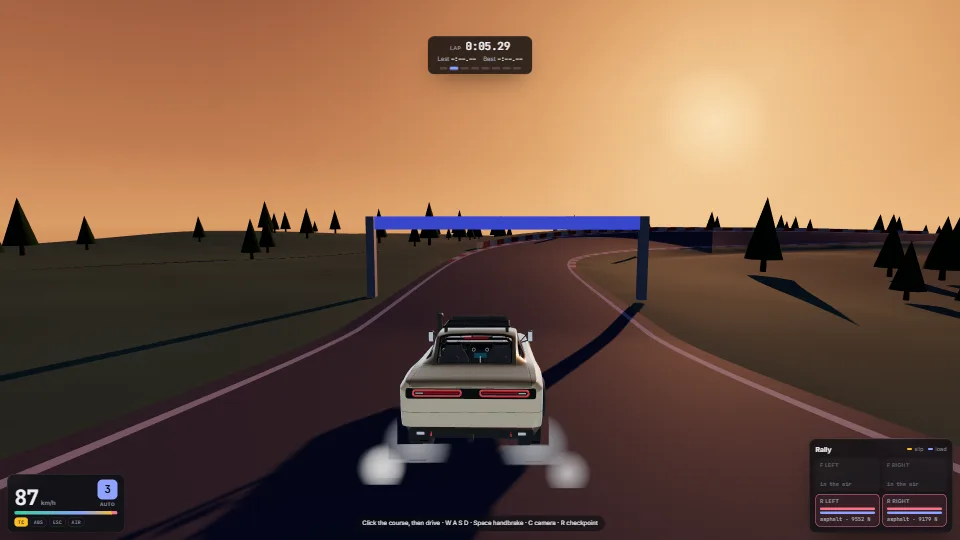
A car, a world that breaks, and cameras that keep up.
2.7 ms, its parts as measured16.7
187 working parts for web apps and games, each measured to the hundredth of a millisecond. Watch them run. Take the source.


Parts are made to be put together. Each showcase runs several in one scene, and shows what each one costs in the frame.
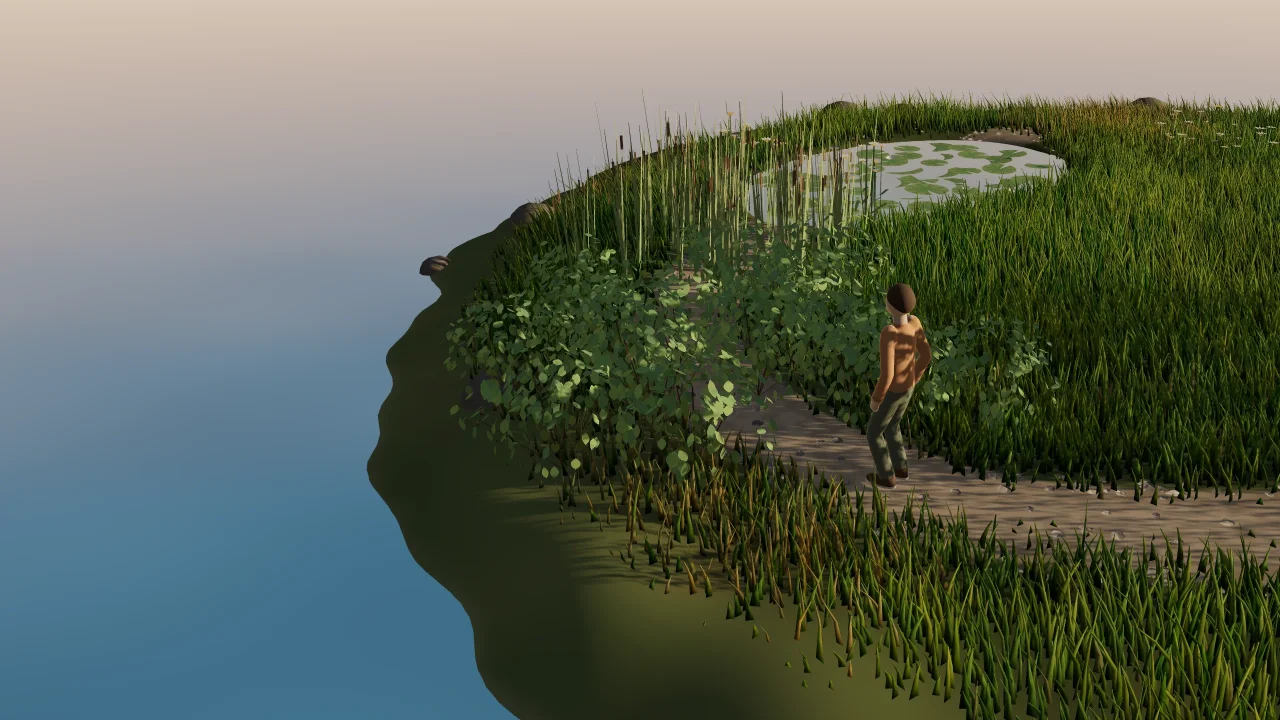
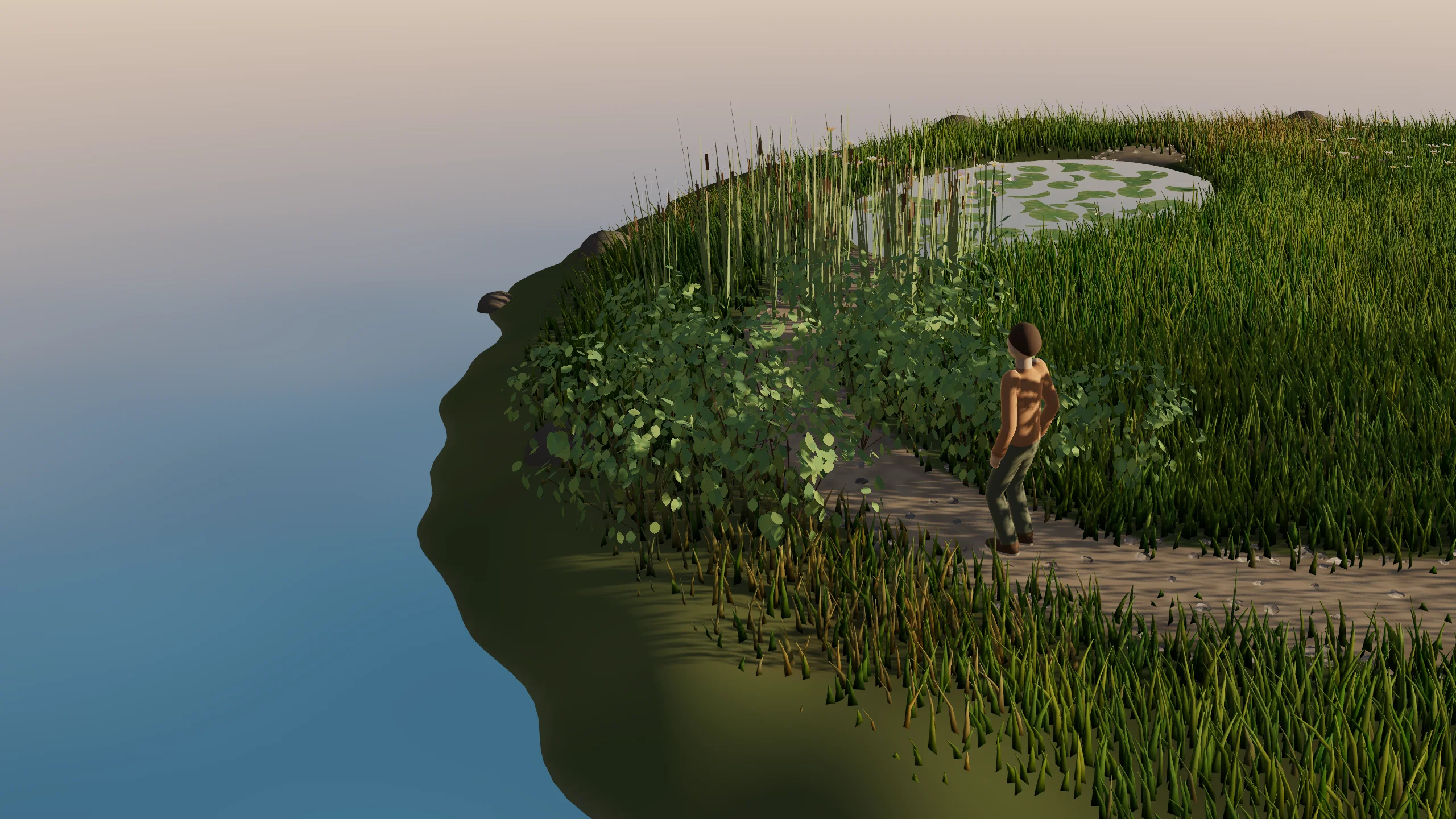
A walker on a rigged body loops a small island at golden hour. The hedge parts round it and springs back, reeds whip, lily pads slip aside as it wades the pond, and the willow’s strands swing. The meadow lies down where it walks and rises again behind it. Along the way a drift of wildflowers and a shrub catch fire, burn down and leave ash and a charred heap; the garden renews once the walker has passed.
A car, a world that breaks, and cameras that keep up.
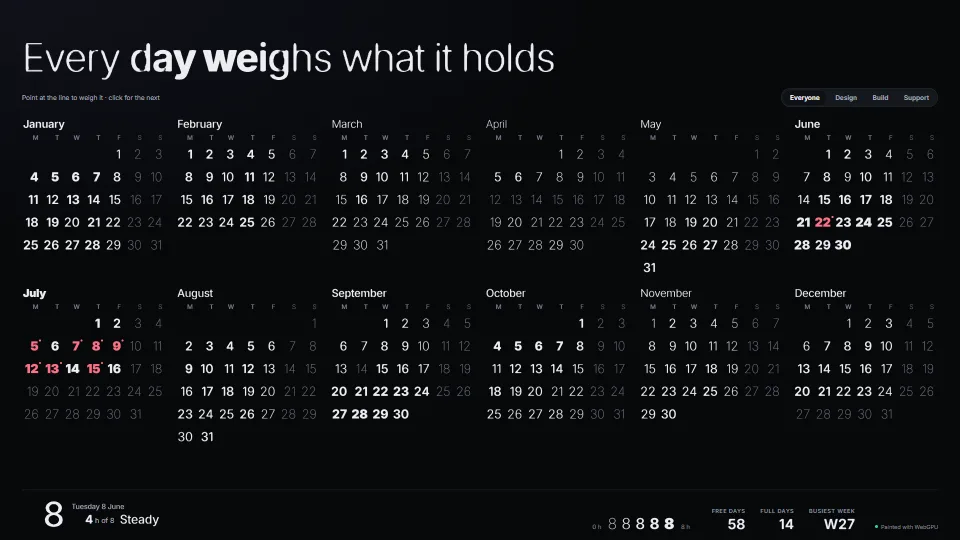
A year of meetings across time zones, typed as sentences.
Each dot is a part, placed by what it costs a frame on its busiest bench scene. Most of the interface sits far left. The heavy simulations earn their place on the right.
 GPU cloth
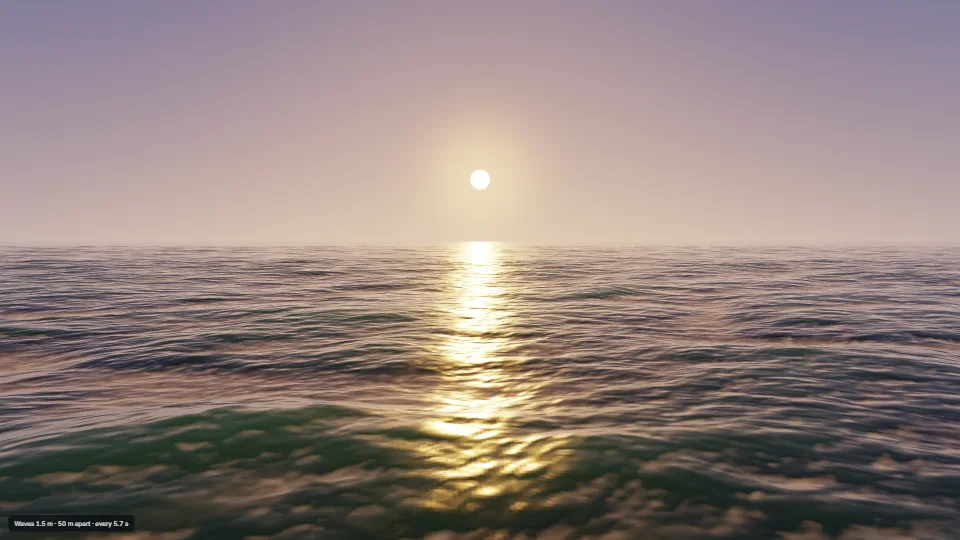
 Water ripples, wakes & caustics
 Fire as a fluid
 Frost growing over a wordNorthern lightsFFT ocean
 Laser cutting steel plate
 Living paint behind the UI
 GPU meadow grass
 Ferrofluid pools & field lines
 Procedural card material
 Glass engraving
 Thin films and gratings
 PBR material designer
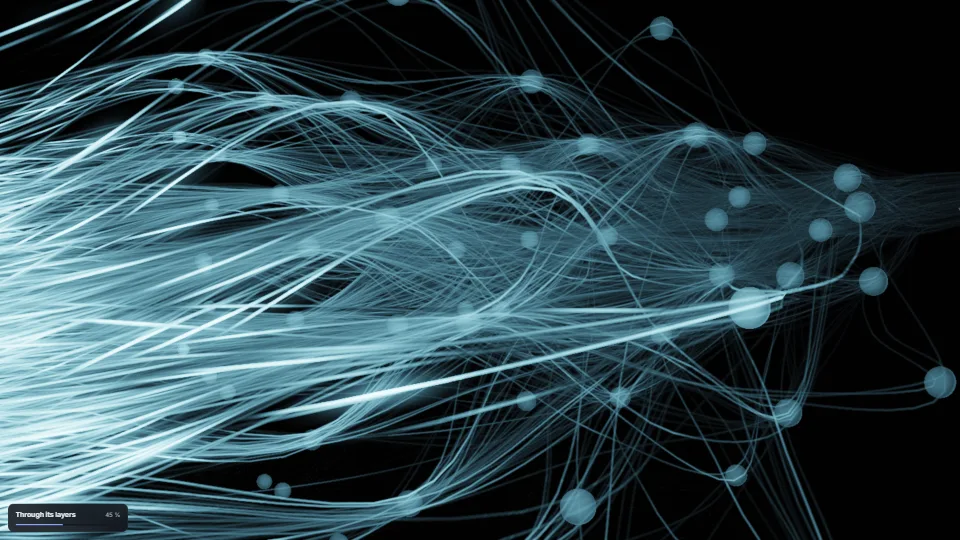
 Circuit board from textFibre light
 Strand creatures
 GPU particles with collisions and emitters
 GPU rain and snow with a seeded weather modelFireworks with real colour chemistry
 Volumetric mist with light shafts
 Swarm that writes words
 Lightspeed and shockwave
 Rivers of glyphs
 Heat haze & shockwave rings
 Cinematic lens
 Slide transitions
 Lit height fog
 Light sheets in the air
 A gravitational lens behind the page
 Phosphor terminal
 Post stack: AO, bloom, shine smoothing
 Compile without stalls
 Shared frame uniforms
 Physical sky
 GPU light on tilted DOM
 Camera director
 Video textures and walkthrough player
 glTF models with recorded motion
 Game cameras
 Infinite-canvas core
 SDF text at any zoom
 Smart guides, align and handles
 Brush tips with world-anchored patterns
 Pen ink that tidies into shapes
 Pixel-art layer
 Controls drawn on a canvas
 Micro-interactions pack
 Liquid glass panels
 Scrubbable keyframe timeline
 Context menus: one keyboard core, many skins
 Hold to confirm, four ways
 Stroke fonts as motion paths
 Comic sound effects and speech balloons
 Throw to commit
 Quiet SVG charts
 Elbow connectors and graph layouts
 Gauges and progress rings
 Charts everyone can read
 Data table: sort, sticky header, virtual rows
 Beside, never over: placing editors and popovers
 Sankey flows with few crossings
 Painted chart marks (GPU)
 GPU capability tiers
 GPU memory ledger
 Pathfinding on a lazy walk grid
 Undo that says what it undoes
 Dynamic resolution on GPU timestamps
 Open huge CSV and Excel files without freezing
 Comments and tasks on anything
 Automatic version history, thinned with age
Every one of the 187 parts was run for 600 frames, 3 times over, and timed. 88 of them cost under half a millisecond. 129 run without WebGPU. And 2,073 pitfalls are written down, so you and your coding agent don’t fall into them.
RTX 4060 Laptop · 1920×1080 at 1× · on mains power · the median round kept · latest run 16 November 2026 · read from the library when this page was built
I build games and tools. When a part held up there, I lifted it out, measured it, and wrote down where it bites. This is that shelf.
Hannes Andersson · Sweden
Look at every demo and write-up for free. Buy a part and you get its source, the full guide and pitfalls, its tests, and 12 months of updates for each part. The basket works out the cheapest mix for you.
Individual licence, for 1 developer. Prices include VAT.
Team, up to 10 developers: €79
One part, when you need just that.
Pick a partTeam, up to 10 developers: €249
A licence for any 5 parts, chosen now or within 12 months.
Fill fiveTeam, up to 10 developers: €429
A licence for any 10 parts: a studio project’s worth.
Fill tenTeam, up to 10 developers: €899
All 187, and every part first released within 12 months.
Take the whole libraryEnterprise: more than 10 developers, or a group of companies. Write to us
Prices include VAT and 12 months of updates for each part. Use the code in any number of your own products, commercial ones included, but don’t resell it or publish it as a library or template. After a part’s 12 months you keep every version you downloaded. The licence · Terms of sale · Refunds.
The playbooks: what I learned building them, with the reasons, and a checklist for your own work.